Official site
Official Odin Client

SkyBlock tools,
without the clutter.

Odin is a Fabric mod for Hypixel SkyBlock tailored for Dungeons and Kuudra — 69 modules covering puzzle and terminal solvers, dungeon maps, waypoints and HUDs, each toggled individually from one in-game menu.

Free and open-source. In game, press Right Shift to open the Click GUI.

Fabric · Minecraft 1.21.10 – 1.21.11
Requires Fabric API and Fabric Language Kotlin

click-gui.jpg
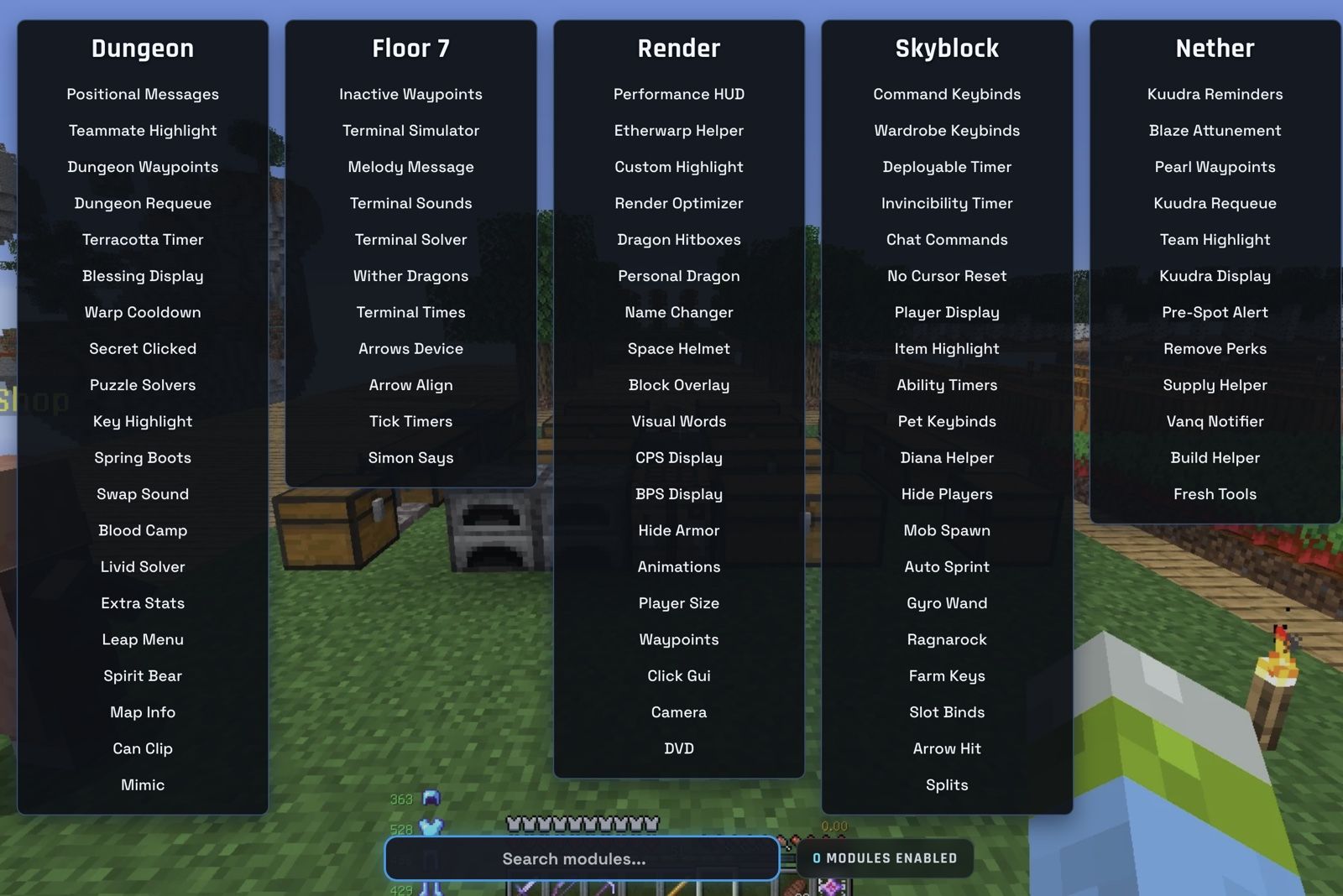
Odin's Click GUI open in-game, showing module categories and toggles
Version 0.3.1
Minecraft 1.21.10 – 1.21.11
Released 15 Aug 2026
Size 4.65 MB
Modules 69
Verify SHA-256
What it does

Four things people actually install it for

Each of these is a real module group in Odin's source. Names, descriptions and settings below are taken from the mod itself.

Dungeon · Boss

Solvers for dungeon puzzles and Floor 7 terminals

The Puzzle Solvers module displays solutions for Water Board, TP Maze, Ice Fill, Blaze, Creeper Beams, Three Weirdos, Quiz and Boulder dungeon puzzles. Each puzzle can be toggled on its own, so you can leave the ones you already know how to do turned off.

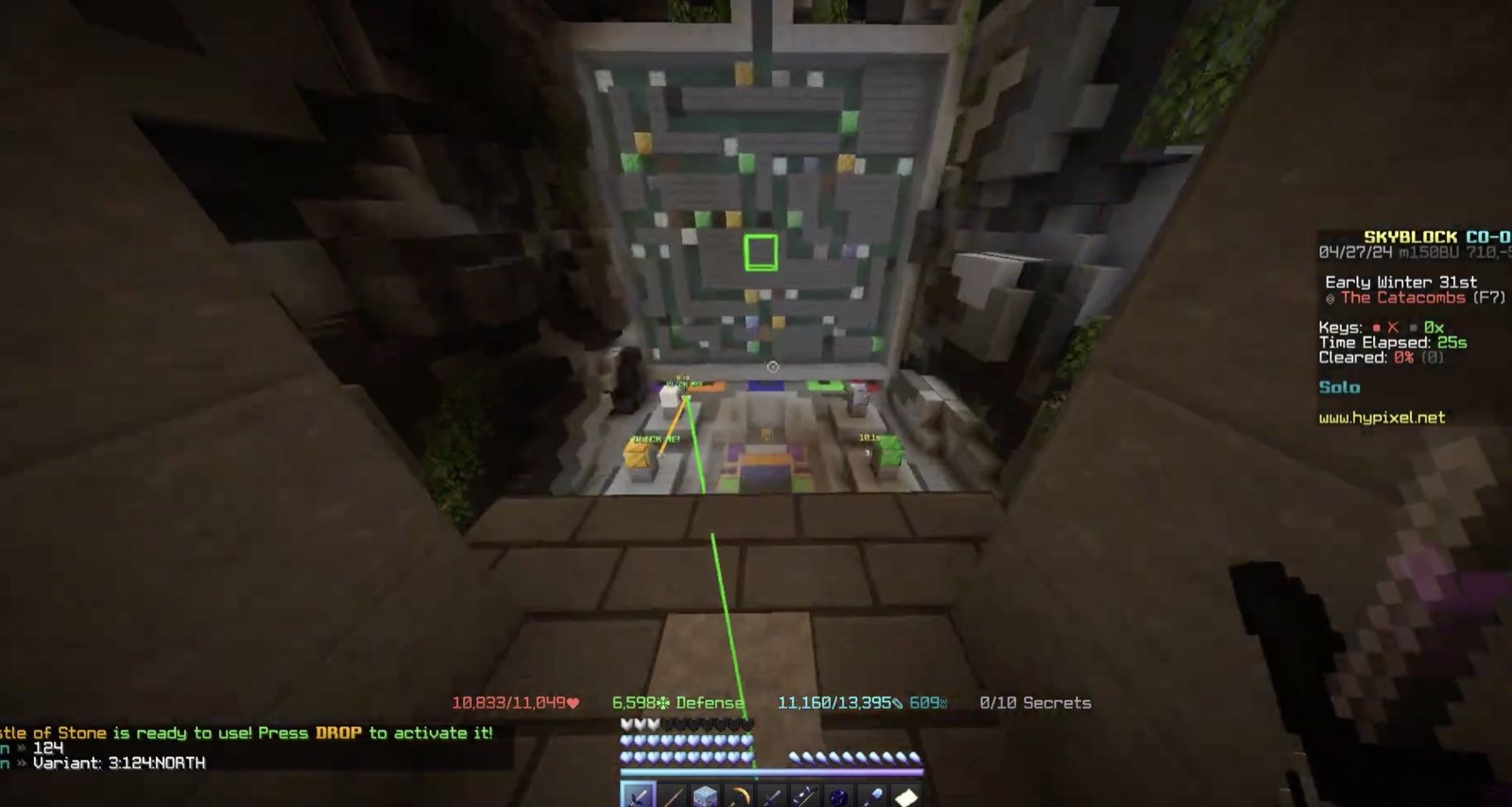
Terminal Solver renders the solution for terminals in Floor 7. Its Render type setting switches between three presentations — Odin, Normal, and Custom GUI — and the custom GUI's size, roundness and slot gap are adjustable.

  • ModulesPuzzle Solvers, Terminal Solver, Terminal Simulator
  • CategoriesDungeon, Boss
  • PracticeTerminal Simulator runs terminals outside of dungeons
Read more about solvers for dungeon puzzles and floor 7 terminals →
solvers.jpg
Odin's terminal solver highlighting the correct slots in a Floor 7 terminal
Dungeon

Dungeon map, room data and custom waypoints

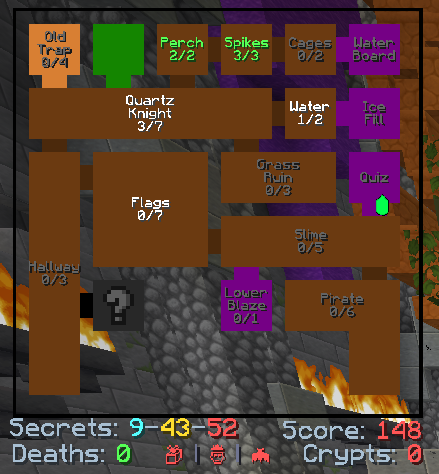
Dungeon Map displays the dungeon map, with a Room Text setting that shows the room name, its secret count, or both. Text and player-name scaling are adjustable, and the map can be set to hide itself during boss fights.

Dungeon Waypoints adds custom waypoints for dungeon rooms. Editing is off by default — turning on Allow Edits lets you place and label waypoints, and waypoint packs can be shared between players.

  • ModulesDungeon Map, Dungeon Waypoints, Secrets Counter, Door Highlight
  • CategoryDungeon
  • Room Text optionsBoth · Room Name · Room Secrets
Read more about dungeon map, room data and custom waypoints →
dungeon-map.png
Odin's dungeon map overlay showing room layout with secret counts
Nether

Kuudra supply, pearl and build helpers

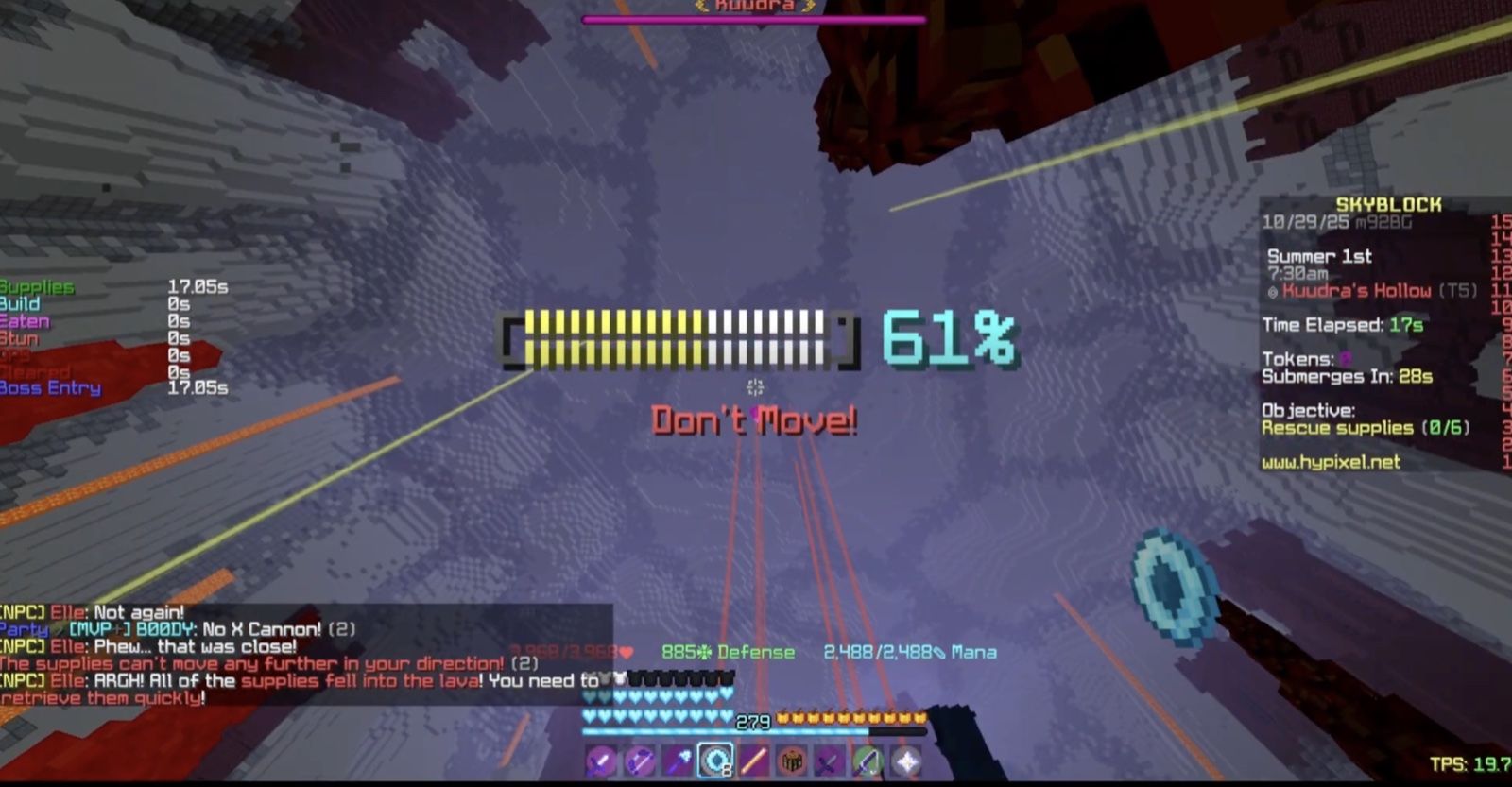
Kuudra Info displays information about the Kuudra entity itself, including an optional highlight and a health readout rendered in front of it at an adjustable size.

Pearl Waypoints renders waypoints for pearls in Kuudra, with an optional dynamic mode that positions them relative to where you are standing. Supply Helper and Build Helper cover the supply and build phases.

  • ModulesKuudra Info, Pearl Waypoints, Supply Helper, Build Helper, Fresh Tools
  • CategoryNether
  • ScopeKuudra encounters
Read more about kuudra supply, pearl and build helpers →
kuudra.jpg
Odin's Kuudra overlay showing pearl waypoints and Kuudra health
Render · Skyblock

One Click GUI, and HUDs you place yourself

Press Right Shift to open the Click GUI. Modules are grouped into the same five categories used in the source — Dungeon, Boss, Render, Skyblock and Nether — and each one exposes its own settings inline.

The Click GUI's accent colour is itself a setting, and the Open HUD Editor action switches to a separate screen where HUD elements are positioned. Keybind modules in the Skyblock category cover the wardrobe, pets, loadouts and chat commands.

  • Opens withRight Shift (default, rebindable)
  • ModulesClick GUI, Player Display, Wardrobe Keybinds, Command Keybinds
  • CategoriesRender, Skyblock
Read more about one click gui, and huds you place yourself →
click-gui.jpg
Odin's Click GUI showing module categories and toggles
Interface preview

Browse every module before you install

A recreation of Odin's Click GUI built from the mod's source. Switch categories, search, and select a module to see its real settings and defaults.

Odin — Click GUI opens with Right Shift

    Interface preview — a recreation for the website, not a screenshot. Module names, descriptions and default settings are read from Odin's source.

    Install

    Four steps, assuming Fabric is already set up

    1. Install Fabric for the right Minecraft version

      Use the official Fabric installer and pick the Minecraft version listed on the release details.

    2. Add both dependencies

      Odin needs Fabric API and Fabric Language Kotlin in the same mods folder. It will not load without them.

    3. Drop in the Odin .jar

      Place the downloaded file in mods, then verify its SHA-256 against the checksum published on the Download page.

    4. Launch, then press Right Shift

      Start Minecraft on the Fabric profile and press Right Shift to open the Click GUI and enable the modules you want.

    Full installation guide

    Questions

    Before you download

    What is Odin?

    Odin is a Fabric mod for Hypixel SkyBlock, described by its own release page as "tailored for Dungeons and Kuudra, providing many different solvers and other utilities for end-game players." Modules are grouped into five categories — Dungeon, Boss, Render, Skyblock and Nether — and each one is toggled individually.

    How do I open Odin's menu?

    Press Right Shift in-game to open the Click GUI. That is the default keybind set in Odin's source; it can be rebound. From there you can browse categories, toggle modules, and expand a module to change its settings.

    Which Minecraft version and loader does Odin need?

    Odin is a Fabric mod. The exact Minecraft versions supported by the current release are listed on the Download page and come from the release itself. It also requires two dependencies: Fabric API and Fabric Language Kotlin — both must be in your mods folder alongside Odin.

    Do I need anything besides the Odin .jar?

    Yes. Odin's releases list Fabric API and Fabric Language Kotlin as dependencies. Odin will not load without both of them installed for the same Minecraft version.

    Is this download safe, and how do I check?

    Every release on this site publishes its exact filename, file size and SHA-256 checksum, and links to the matching GitHub release so you can compare against a second source. Verifying the checksum confirms the file matches what was published — it is not a claim that the file has been independently audited, and we do not make one.

    All questions